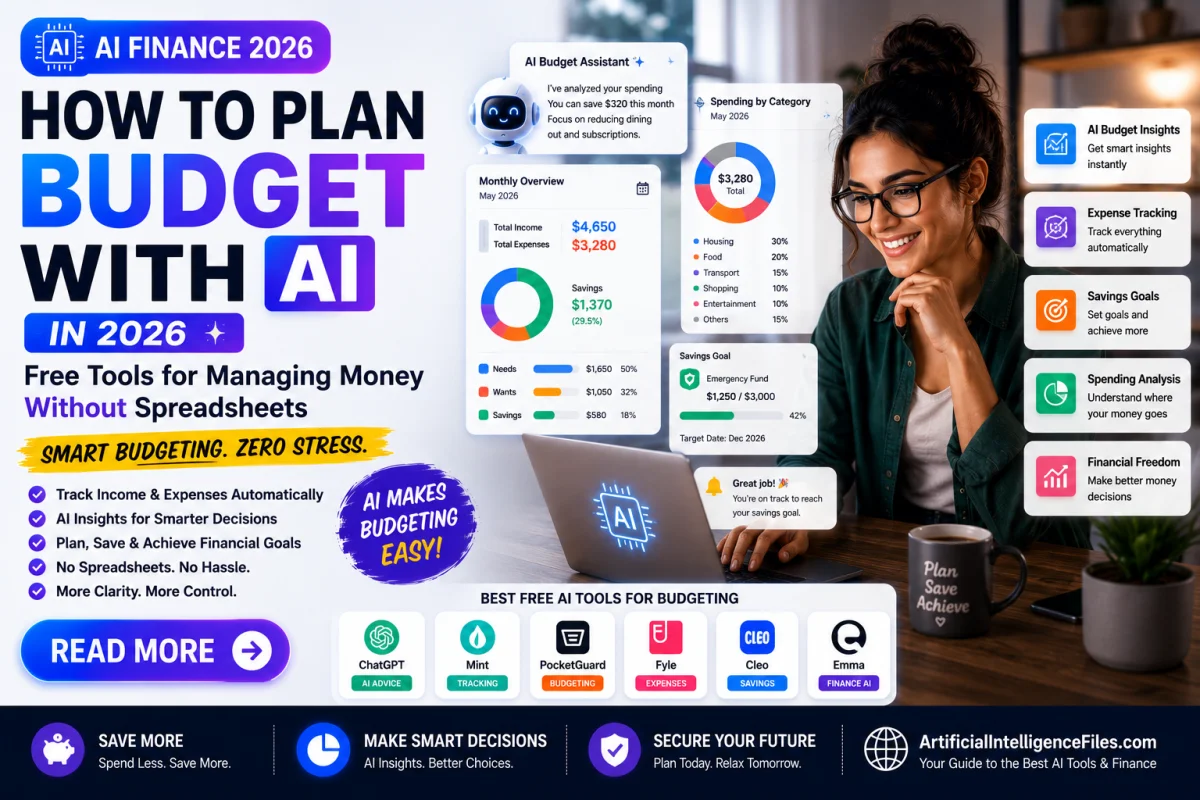
You open a spreadsheet with good intentions. Three weeks later, it hasn't been touched, and you genuinely have no idea where last month's paycheck went.
That's normal. Manual budgeting fails most people not because they're bad with money, but because it takes real effort to keep updating a spreadsheet by hand. AI budgeting tools fix that exact problem — they read your transactions automatically, sort them into categories, and tell you in plain language what's actually happening with your money.
Here's a simple look at the tools worth trying in 2026, and how to actually use them.
Why AI Budgeting Tools Are Different From a Spreadsheet
A spreadsheet only works if you keep feeding it information. AI budgeting apps connect directly to your bank account and do that part automatically — categorizing purchases, spotting forgotten subscriptions, and flagging when a bill is suddenly higher than usual. Some go a step further and actually move small amounts of money into savings for you, based on what you can genuinely afford that week.
1. ChatGPT
ChatGPT isn't a dedicated finance app, but it's a surprisingly good starting point if you just want to build a budget without downloading anything. Tell it your monthly income and your fixed expenses, and ask it to build a 50/30/20 budget (needs, wants, savings) or a zero-based budget where every dollar has a job. You can keep refining it — "what if rent goes up by $100" or "help me find $200 to cut from this."
Keep in mind: ChatGPT can't see your actual bank transactions, so it's best for planning a budget, not tracking one automatically.
2. Cleo
Cleo turns budgeting into a text-message conversation instead of a dashboard. Ask it "can I afford this?" and it answers based on your real income and spending, not generic advice. It also has a feature that quietly moves small, genuinely spare amounts into savings without you noticing. The free tier covers spending insights, budget tracking, and savings goals.
3. Rocket Money
Rocket Money is best known for hunting down subscriptions you've forgotten about — those $9.99 charges that quietly renew every month. The free tier tracks spending and finds these for you; canceling them for you is a paid feature, but just seeing the full list is often enough to act on yourself.
4. Empower
Empower offers a genuinely complete free tier: spending tracking, a net worth tracker, and investment analysis, all without a paywall. It's a strong pick if you want one free app that shows your full financial picture, not just day-to-day spending.
5. Monarch Money
Monarch Money is built with couples and shared finances in mind. You can track joint and separate accounts, tag shared expenses, and set savings goals together, with an AI assistant added in to summarize your spending automatically each week.
6. YNAB (You Need A Budget)
YNAB follows a simple rule: give every dollar a job before you spend it. It's less "hands-off AI" and more a structured method that AI-powered insights sit on top of. If you've tried budgeting apps before and they felt too passive, YNAB's more hands-on approach might actually stick better.
7. Origin
Origin connects budgeting with investing and long-term planning in one place, using AI to model different financial scenarios — like what happens to your savings if you increase your monthly contribution by $200. Good for people who want budgeting and bigger-picture planning in the same app instead of switching between tools.
Can AI Actually Help You Get Out of Debt?
Several of these apps include debt payoff planning that adjusts automatically based on your real cash flow — for example, suggesting extra payments toward your highest-interest debt in months when you have spare money, instead of using a fixed spreadsheet plan. This can genuinely help you build and stick to a plan.
That said, AI budgeting apps are tools, not financial advisors. For decisions like which debt to prioritize, whether to consolidate, or how a big financial choice affects your taxes, it's worth talking to a qualified financial advisor or a nonprofit credit counselor, especially if your situation is complicated. Use these apps to see your numbers clearly — use a professional for the decisions that carry real financial weight.
Final Thoughts
You don't need five finance apps running at once. A simple starting combo: use ChatGPT to build your first budget plan, then pick one automated tracker — Cleo if you want something conversational and low-effort, or YNAB if you want a more hands-on method that builds real budgeting habits.
Want more free AI tools like these? Browse the full AI Tools directory, or check out How to Use AI for Free in 2026 for more no-cost AI tools across every category.
Frequently Asked Questions
What is the best free AI budgeting app in 2026? It depends on what you need. Empower offers the most complete free tier, covering spending, net worth, and investments. Cleo is best if you want a simple, conversational, low-effort experience. Rocket Money is best specifically for catching forgotten subscriptions.
How do I use ChatGPT to build a budget? Tell ChatGPT your monthly income and your fixed expenses, then ask it to build a budget using a method like the 50/30/20 rule or zero-based budgeting. You can keep refining it by asking follow-up questions, like where you could realistically cut $200 a month.
Can AI tools really help you save money automatically? Yes, several apps like Cleo can analyze your cash flow and automatically move small, genuinely spare amounts into a savings account without you having to do anything manually. Users of these features commonly report saving noticeably more than with manual budgeting alone.
Can AI actually help you get out of debt? AI budgeting apps can build a payoff plan that adjusts to your real income and spending, which is often more realistic than a static spreadsheet plan. However, for bigger decisions, like which debts to prioritize or whether to consolidate, it's best to also speak with a qualified financial advisor or nonprofit credit counselor.
Is it safe to connect my bank account to an AI budgeting app? Reputable budgeting apps use bank-level encryption and secure connection partners, and this is standard practice across the industry now. Even so, it's worth reading how each app handles and shares your data before connecting an account, since privacy practices vary between apps.