Keeping up with social media in 2026 feels like a full-time job — because for most people, it basically is.
Instagram, TikTok, LinkedIn, Facebook, YouTube, X — every platform wants fresh content every single day. Writing captions, designing graphics, filming videos, researching hashtags, scheduling posts — it adds up to hours every week that most creators and business owners simply do not have.
AI has changed that completely. Over 75% of social media managers and content creators now use at least one free AI tool to create content faster. And the tools available in 2026 are genuinely good — not just useful for quick drafts, but capable of producing professional, platform-ready content in minutes.
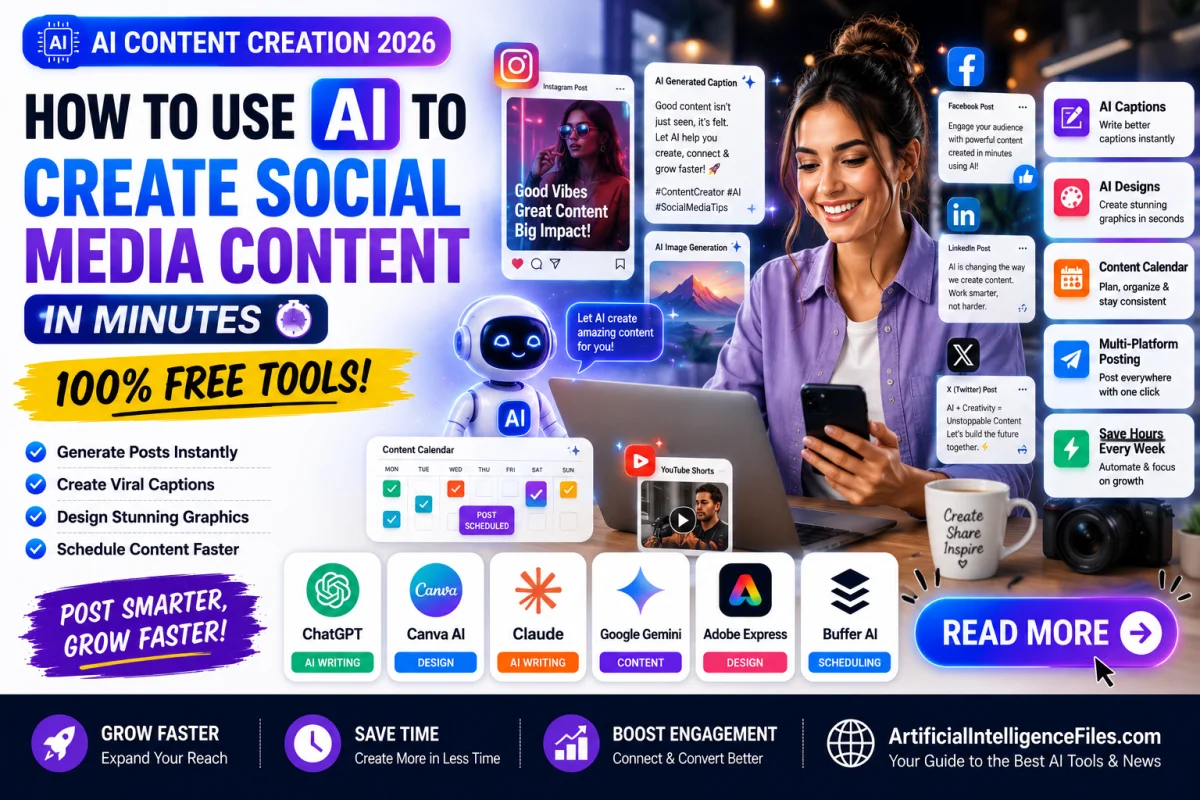
Here is exactly how to use AI for social media content creation in 2026 — and the best free tools to do it with.
What Can AI Actually Do for Your Social Media?
Before getting into the tools, it helps to understand what AI can and cannot do for your social media presence.
AI in 2026 can write captions for any platform in any tone, generate hashtag suggestions, create post ideas for an entire week or month, design graphics and thumbnails, write video scripts and hooks, repurpose a blog post or article into multiple social media posts, and suggest the best time to post based on your audience.
What AI cannot do is replace your unique personality, your real experiences, and the authentic human connection that makes people actually follow and trust you. The best creators in 2026 use AI to handle the repetitive, time-consuming parts — and then add their own voice and perspective on top. That combination is what makes content both fast to produce and genuinely worth reading.
1. ChatGPT — Best Free AI for Writing Any Social Media Caption
Free plan: Yes — no credit card required Link: chatgpt.com
ChatGPT is the most flexible free tool for writing social media captions in 2026. It works for every platform — Instagram, LinkedIn, TikTok, Facebook, X, and YouTube — and you can tell it exactly what tone, length, and style you want.
Here are some ready-to-use prompts you can copy right now:
For Instagram: "Write 5 Instagram captions for a photo of [describe your photo]. Make them engaging, under 150 characters, and include 5 relevant hashtags."
For LinkedIn: "Write a professional LinkedIn post about [your topic or achievement]. Make it insightful, personal, and end with a question to drive comments."
For TikTok: "Write a TikTok hook for a video about [your topic] that grabs attention in the first 3 seconds and makes people want to watch the whole video."
For a content calendar: "Give me 30 post ideas for a [type of account] on Instagram. Mix educational, entertaining, and promotional content."
The key is to be specific about your topic, your audience, and the tone you want. The more detail you give, the better the output.
2. Canva AI — Best Free Tool for Creating Visual Posts
Free plan: Yes — very generous free tier Link: canva.com
Canva is the go-to platform for social media visuals in 2026 — and its AI features make it faster and more powerful than ever.
The Magic Write feature generates captions and post text directly inside your design, so your words and visuals always match in tone and style. The AI Image Generator creates custom background images from a text description. Magic Design generates a complete, polished graphic from just a short description of what you need. And the background remover — powered by AI — lets you create professional product and portrait shots in seconds.
Everything is built into thousands of pre-sized templates for Instagram posts, Instagram Stories, TikTok videos, YouTube thumbnails, LinkedIn banners, Facebook covers, and more. You do not need any design experience, and you do not need to pay anything to get started.
3. Claude — Best Free AI for Long-Form Social Content
Free plan: Yes — no credit card required Link: claude.ai
While ChatGPT is great for quick captions, Claude shines when you need longer, more thoughtful social content — LinkedIn articles, detailed Twitter threads, YouTube descriptions, or newsletter copy that doubles as a social post.
Claude produces writing that sounds more natural and human than almost any other free AI tool. Give it a topic, your audience, and your tone — and it delivers content that actually sounds like it was written by a real person who cares about the subject.
It is also excellent at repurposing content. Paste in a blog post, a YouTube transcript, or a podcast summary and ask Claude to turn it into five different social media posts for five different platforms. What used to take an hour takes about two minutes.
4. Predis.ai — Best Free AI Social Media Post Generator
Free plan: Yes — limited monthly posts Link: predis.ai
Predis.ai is one of the most powerful free AI social media post generators built specifically for creators and businesses in 2026.
What makes it stand out is the engagement prediction feature — it scores each generated caption based on how likely it is to drive comments, shares, and saves before you even publish it. You can also generate posts for multiple platforms at once, with each version automatically adapted to the character limits and style of that platform.
The free tier gives you access to caption generation, hashtag suggestions, and basic image creation — enough for a small creator or business owner to keep their social media active without spending anything.
5. Buffer — Best Free Tool for Writing and Scheduling Posts Together
Free plan: Yes — 3 social accounts, no credit card required Link: buffer.com
Buffer is the smartest starting point if you want to write AI-assisted captions and schedule them to publish at the right time — all in one place without jumping between different apps.
The AI assistant inside Buffer helps you draft captions, suggests improvements, and lets you schedule posts across Instagram, Facebook, LinkedIn, TikTok, X, and Pinterest directly. The free plan supports up to 3 social accounts and 10 scheduled posts per channel — more than enough for most small creators and businesses getting started with AI content creation.
6. Hootsuite Caption Generator — Best for Quick No-Signup Captions
Free plan: Yes — no account required Link: hootsuite.com/social-media-tools/ai-caption-generator-social-media
If you just need a quick caption right now without creating any account, Hootsuite's free AI caption generator is the fastest option available.
Go to the link, describe your post in a sentence or two, choose your platform, and it generates multiple caption options instantly — with hashtag suggestions included. No sign-up, no email address, nothing. It works for Instagram, TikTok, LinkedIn, Facebook, X, and Pinterest. Perfect for when you are in a hurry and just need something good right now.
7. Copy.ai — Best Free AI for Instagram Captions Specifically
Free plan: Yes — 2,000 words per month, no credit card required Link: copy.ai
Copy.ai is purpose-built for marketing copy and excels particularly at Instagram captions. The free plan gives you 2,000 words per month and access to over 90 content types — enough for regular caption creation throughout the month.
You enter a short description of your post and select the desired tone. Copy.ai then generates 5 to 10 different caption variations so you can choose the one that best fits your brand and content. It is particularly strong for product launches, promotions, storytelling posts, and community-building content.
How to Build a Full Week of Social Media Content Using AI in Under 30 Minutes
Here is a practical workflow that combines the tools above into a complete content creation process — from zero to a full week of scheduled posts in less than 30 minutes.
Start by opening ChatGPT and asking it to generate 7 post ideas for your account this week. Give it your niche, your audience, and any topics or events coming up. Pick the best 5 or 7 ideas from the list.
Then for each idea, ask ChatGPT or Claude to write the caption for the specific platform you are posting on. Specify the tone and include hashtags in the request.
While your captions are being generated, open Canva and create the matching visuals using a template or the AI Image Generator. Design each post in the correct size for your platform.
Finally, open Buffer, paste each caption with its visual, and schedule each post for the right day and time. Buffer's free plan even suggests the best posting times based on when your audience is most active.
The whole process — 7 posts, all captioned, designed, and scheduled — takes under 30 minutes with AI. Without it, the same work takes 3 to 5 hours.
Final Thoughts
Creating social media content no longer has to drain your time or creative energy. The free AI tools available in 2026 handle the most repetitive and time-consuming parts of the process — giving you more time to focus on the part only you can do — being authentically yourself for your audience.
Start with just one tool today. Use ChatGPT to write your next three captions, or open Canva to design your next post with AI. Once you see how fast it works, you will wonder how you ever managed your social media without it.
Want to discover more free AI tools, guides, and the latest news in artificial intelligence? Visit ArtificialIntelligenceFiles.com — updated every week with the best AI content on the internet.
Frequently Asked Questions (FAQs)
Q1. Can I really use AI to create social media content for free in 2026?
Yes, absolutely. Tools like ChatGPT, Canva AI, Claude, Buffer, and Hootsuite's caption generator all have genuinely free plans that let you write captions, design graphics, and schedule posts without spending anything. The free tiers in 2026 are far more generous than they were even a year ago, making AI content creation accessible to anyone with an internet connection.
Q2. Will AI-generated social media content hurt my engagement?
Not if you use it correctly. AI gives you a strong first draft — but the best results come when you add your own voice, personal stories, and genuine perspective on top. Followers connect with people, not with perfectly polished AI text. Use AI to save time on the mechanical parts, then spend that saved time adding the human touch that makes your content worth following.
Q3. What is the best free AI tool for writing Instagram captions specifically?
For Instagram captions, the best free options in 2026 are ChatGPT for flexibility and control, Copy.ai for generating multiple caption variations at once, and Hootsuite's free caption generator for quick no-signup results. Predis.ai is also excellent because it scores each caption based on predicted engagement before you publish.
Q4. How do I use ChatGPT to grow my social media following?
Use ChatGPT to generate a consistent posting schedule, write captions that encourage comments and saves, research trending topics in your niche, and repurpose your best performing posts into new content for different platforms. Consistency is the biggest driver of growth — and AI makes it easy to stay consistent even when you are busy or out of ideas.
Q5. Is it safe to use AI-generated content on LinkedIn for professional posts?
Yes, as long as you review and personalise everything before publishing. LinkedIn rewards authentic, insightful content — so use AI to create the structure and first draft, then rewrite key sections in your own voice and add your personal experience or opinion. A LinkedIn post that is 80% AI and 20% your genuine insight will perform far better than one that is 100% AI with no personal touch.