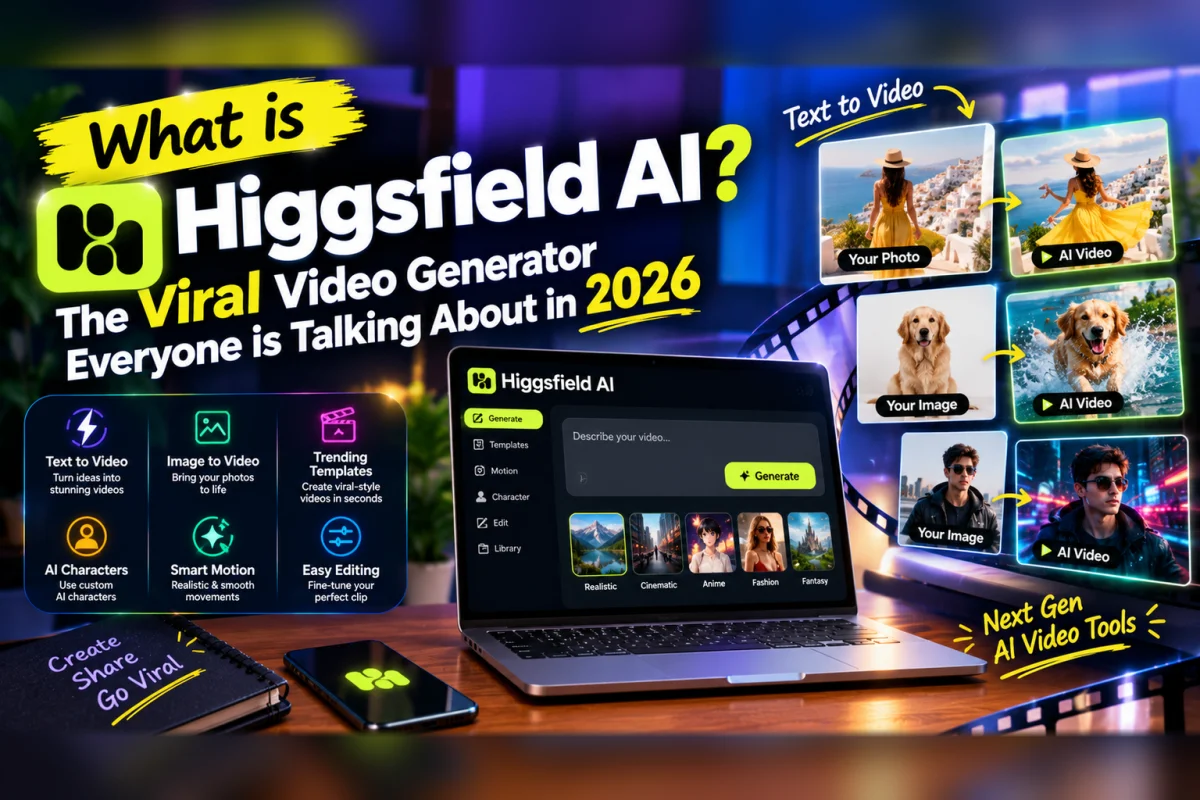
If you have been on TikTok, Instagram Reels, or YouTube Shorts recently, you have almost certainly seen videos made with it — cinematic shots with smooth camera moves, realistic lighting, and a visual quality that looks nothing like the AI video of two years ago.
And if you searched to find out how they were made, chances are Higgsfield AI came up.
Higgsfield is the #1 trending AI startup on Exploding Topics in October 2026. Millions of creators, filmmakers, and marketers are searching for it right now. And yet almost no clean, honest beginner guide exists explaining exactly what it is, what it actually does, how the free plan works, and whether it is worth your time.
This guide answers all of that — clearly, honestly, and without the promotional spin.
What is Higgsfield AI?
Higgsfield AI is an AI video generation platform that lets you create short cinematic video clips from text descriptions or images — with a level of camera control and visual quality that distinguishes it from most competitors in the space.
It was founded by Alex Mashrabov, an entrepreneur recognised by Forbes 30 Under 30, who previously co-founded AI Factory — a video AR startup acquired by Snap Inc. for $166 million. The Snapchat filters you use every day were built by his team. He brought that same philosophy of visual quality and mobile-first design to Higgsfield.
What makes Higgsfield different from simpler AI video tools is its approach to camera work. Most AI video generators let you describe a scene and generate footage. Higgsfield gives you professional-grade camera controls — tracking shots, dolly moves, crane shots, Dutch angles, rack focus — baked into the generation process itself. This is what produces the cinematic look that has made it go viral on social platforms.
It is also a multi-model platform. Rather than being locked to a single AI video model, Higgsfield gives you access to several of the best models available — including Kling 3.0, Veo 3.1, Sora 2, Wan 2.7, and Seedance 2.0 — all within a single subscription. Instead of paying for six separate video generation tools, you pay for one platform that accesses all of them.
What Can You Actually Create With Higgsfield?
Higgsfield is specifically optimised for short-form content — not long-form video. Here is what it does best in 2026.
Social media clips — short videos for TikTok, Instagram Reels, YouTube Shorts, and similar platforms. Higgsfield's Cinema Studio feature lets you specify the camera movement, aspect ratio, and visual style for each clip, producing content that looks noticeably more deliberate and professional than simple text-to-video tools.
Brand and advertising content — product introduction videos, concept visuals for ad campaigns, mood videos for brand presentations. Several creators and agencies use Higgsfield specifically for pitching concepts to clients because the quality is high enough to convey a visual direction convincingly.
Music videos and creative projects — visually stylised sequences with controlled camera language. This is where Higgsfield's cinematic camera controls shine most clearly — producing the kind of floating, drifting shots that define contemporary visual content.
Fashion and lifestyle visuals — editorial-style footage where the mood, lighting, and framing matter as much as the subject. Higgsfield handles this category significantly better than competitors focused primarily on realism.
What Higgsfield does less well: long-form video, precise brand consistency across multiple shots where the exact same character appearance needs to match perfectly, and content that requires heavy dialogue or specific text within the video.
How to Use Higgsfield AI — Step by Step
Getting started with Higgsfield is straightforward. Here is the process.
Step 1: Go to higgsfield.ai and create a free account. You can sign up with your email or a Google account — no credit card required.
Step 2: Choose your creation type. Higgsfield's dashboard presents three main options: text-to-video, image-to-video, and Cinema Studio. For your first video, text-to-video is the simplest starting point.
Step 3: Write your prompt. Describe the scene you want — the subject, the setting, the mood, the lighting, and what is happening in the shot. The more specific and visual your description, the better the output. "A slow dolly shot through a misty forest at dawn, golden light filtering through tall pine trees, cinematic and atmospheric" produces dramatically better results than "a forest."
Step 4: Select your model. Higgsfield gives you access to multiple models — each with different strengths. Kling 3.0 is strong for cinematic sequences with motion. Veo 3.1 handles 4K generation. Sora 2 excels at world simulation and physics. Seedance 2.0 includes native audio. Start with the recommended model for your use case and experiment from there.
Step 5: Add camera controls if needed. This is Higgsfield's distinguishing feature. Cinema Studio lets you specify multi-axis camera movements — the camera direction, focal length simulation, and motion speed. If you want a specific camera move, this is where you set it.
Step 6: Generate and review. Most generations complete in 30 to 90 seconds. Review the result, and if it is not quite right, adjust your prompt and try again.
Is Higgsfield AI Free? The Honest Answer
This is the question with the most confusing answers across different sources — so here is the clearest explanation.
Higgsfield offers free access to get started, but the free tier is genuinely limited. Based on testing in October 2026, the free plan provides a small number of daily credits — enough to generate 2 to 3 videos per day using basic models. Premium models including Kling 3.0, Veo 3.1, and Sora 2 require a paid plan.
Free tier exports on basic models include watermarks in some configurations, which limits commercial usefulness. Watermark-free exports for all content require a paid subscription.
Paid plans start at $15 per month for 200 credits, rising to higher tiers for heavier usage and access to all premium models.
The practical summary: the free plan is genuinely enough to test Higgsfield and understand what it can do, and for low-volume personal projects using basic models. For professional content creation, regular social media production, or commercial work — a paid plan is where the real value lives.
Higgsfield AI vs Runway vs Kling — Which is Better?
Here is an honest comparison of the three most frequently compared tools.
Higgsfield vs Runway
Runway is the established professional standard for AI video — used by filmmakers, VFX artists, and studios. It offers more comprehensive editing tools, better long-form scene handling, and more mature commercial workflows.
Higgsfield beats Runway specifically on cinematic camera controls and social-first content production. For creators who want to generate visually directed short clips rather than edit and composite longer scenes, Higgsfield's workflow is faster and the output is often more immediately social-media ready. Runway starts at $12 per month, Higgsfield at $15 — similar price points for different priorities.
Higgsfield vs Kling
Kling AI — accessible directly at klingai.com — gives you Kling's video model at a lower price point ($5.99 per month) with a more generous free tier (66 daily credits). The motion quality from Kling's model is excellent.
The key difference is that Higgsfield is a multi-model platform — you get Kling 3.0 plus Veo 3.1 plus Sora 2 plus Cinema Studio features and camera controls within a single workspace. If you want access to multiple top models and cinematic tools without managing separate subscriptions, Higgsfield makes sense. If you specifically want Kling at the lowest cost, going directly to Kling is more economical.
Higgsfield vs Seedance
Seedance 2.0 is available as a free, no-watermark tool at seedance.ai with 100 daily credits. For budget-conscious creators who want strong motion quality with zero cost, Seedance is the more practical free option. Higgsfield provides better cinematic controls and broader model access — but at a cost.
The honest conclusion: Higgsfield is the best single platform if you want access to multiple top AI video models plus professional camera controls in one place. For pure free volume, Seedance wins. For professional long-form work, Runway has more depth. For budget multi-model access, Higgsfield's paid plan is the strongest value proposition.
Who is Higgsfield AI Actually For?
Based on genuine testing and real user feedback across multiple October 2026 reviews — Higgsfield is best suited for three specific types of users.
Social media creators and content agencies who produce short-form visual content regularly and need both quality and variety. The multi-model access means you can switch between visual styles — from photorealistic to stylised — without switching platforms.
Indie filmmakers and creative directors who want to pre-visualise shots, test concepts, or create mood reels for pitches. Higgsfield's Cinema Studio gives you enough control over camera language to communicate a visual direction convincingly.
Marketers creating brand and advertising concepts who need polished, high-quality video outputs for client presentations or social campaigns.
Higgsfield is less ideal for users who just need quick, simple text-to-video output without caring much about camera work — simpler tools like CapCut's AI video features are faster and less expensive for that use case. It is also less ideal for e-commerce brands that need UGC-style talking-head videos — more specialised tools handle that specific format better.
What the Reviews Actually Say — Honest Assessment
Across multiple independent reviews tested and published in 2026, the consistent pattern is:
Higgsfield's cinematic quality and camera controls are genuinely impressive — this is the feature that sets it apart from most competitors and is the reason it went viral. The multi-model platform approach is the best value proposition in the AI video space for creators who use multiple models regularly.
The limitations that come up consistently: the free tier is more restricted than many users expect based on marketing language. Individual social media variants need to be generated separately, which burns credits faster for high-volume producers. Brand consistency across multiple shots is still imperfect — keeping the exact same character appearance across a sequence requires effort and is not always reliable.
The overall verdict from independent reviewers who actually tested it: impressive for cinematic short clips, best for creators who prioritise visual quality and camera control over volume and simplicity.
Final Thoughts
Higgsfield AI is genuinely one of the most impressive AI video tools of 2026 — not because it is the most powerful at any single thing, but because it combines multi-model access, professional camera controls, and social-first design in a way no competitor currently matches.
If you create short-form video content and care about cinematic quality — whether for social media, brand work, or creative projects — Higgsfield is worth trying on the free plan this week. The free credits are enough to test the Camera Studio with a few shots and see whether the quality lives up to the viral reputation.
Go to higgsfield.ai, create a free account, write your most visual and specific prompt, add a camera move, and generate. The result will give you a clear sense of whether it belongs in your creative toolkit.
Want to stay updated on the latest AI video tools, reviews, and news? Visit ArtificialIntelligenceFiles.com — your simple guide to everything happening in AI right now, updated every week.
Frequently Asked Questions (FAQs)
Q1. What is Higgsfield AI in simple words?
Higgsfield AI is an AI video generation platform that creates short cinematic video clips from text descriptions or images. What makes it stand out is its professional camera control features — letting you specify tracking shots, dolly moves, and other cinematic camera language as part of the generation process. It is also a multi-model platform, giving you access to several of the best AI video models — including Kling 3.0, Veo 3.1, and Sora 2 — within a single subscription rather than requiring separate tools for each model.
Q2. Is Higgsfield AI free to use in 2026?
Higgsfield offers free access with limited daily credits — enough to generate 2 to 3 videos per day using basic models. Premium models including Kling 3.0, Veo 3.1, and Sora 2 require a paid plan. Some free exports carry watermarks. Watermark-free exports for all content and access to all premium models require a paid subscription starting at $15 per month. The free tier is genuinely sufficient for testing the tool and understanding what it can do before committing to a paid plan.
Q3. How does Higgsfield AI compare to Runway and Kling in 2026?
Higgsfield beats Runway specifically on cinematic camera controls and social-first content production — the workflow is faster for short clips and the output is often more immediately ready for social media. Runway has more depth for professional long-form editing and VFX work. Compared to Kling directly, Higgsfield gives you Kling 3.0 plus multiple other top models plus Cinema Studio controls within one platform — a better value if you use multiple models regularly. Going directly to Kling at $5.99 per month is more economical if you specifically want only Kling's model.
Q4. What is Higgsfield's Cinema Studio feature?
Cinema Studio is Higgsfield's professional camera control system. It allows you to specify multi-axis camera movements — tracking, dolly, crane, Dutch angle, rack focus — as part of the video generation process, rather than getting whatever camera movement the AI defaults to. It also includes bespoke optical stack simulation that mimics specific lens and camera characteristics. This feature is primarily what distinguishes Higgsfield from simpler text-to-video tools and is the main reason its outputs look more deliberately directed and cinematically polished.
Q5. Who is Higgsfield AI best for in 2026?
Higgsfield is best for social media creators and content agencies producing regular short-form visual content, indie filmmakers and creative directors pre-visualising shots and testing concepts, and marketers creating brand and advertising concept videos. It is less suited to users who need high-volume simple text-to-video output without camera control requirements, e-commerce brands needing UGC-style talking-head videos, or creators on tight budgets who want the most generous free tier — Seedance 2.0 at seedance.ai offers 100 free daily credits with no watermarks at zero cost.