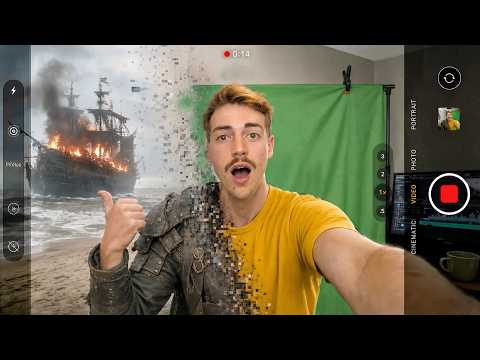
How To Save AI Credits With Higgsfield + Blender (No One Talks About This Workflow)
Explore a Blender-based AI video workflow that uses 3D blocking, camera paths, previs, and reference renders to give AI video generation more precise control while reducing unnecessary generations and credit usage.
This video demonstrates a workflow for combining Blender with Higgsfield and AI-assisted 3D scene blocking to plan AI-generated video before spending generation credits.
The workflow begins by creating a rough 3D scene in Blender, including characters or placeholder objects, camera positions, camera movement, lens changes, timing, and shot composition. The video explains how AI-assisted tools can help construct and modify these editable 3D scenes from natural-language instructions.
The creator then renders the Blender blocking as a reference video and uses that visual structure to generate prompts for an AI video model. The reference is intended to communicate the shot's camera movement, cuts, timing, and spatial relationships while separate visual references define the appearance and style.
Several use cases are demonstrated:
- Cinematic continuous shots: Blender blocking is used to establish camera paths and timing before AI generation.
- Dialogue scenes: A six-person table scene is blocked in 3D to maintain seating positions, eyelines, camera continuity, and shot consistency.
- Advanced camera movements: The workflow demonstrates orbiting shots, vertical camera movements, and robotic camera-arm-style movements.
- Product advertising: Simple 3D primitives are used to block a complex product commercial before adding AI-generated visual details.
- Large multi-shot sequences: A 19-shot sequence is planned in Blender with multiple cameras, characters, a vehicle, and an environment.
- Style variations: The same structural blocking can be reused with different visual styles, allowing the creator to preserve camera movement and editing while changing the look of the final video.
A central concept in the video is separating the AI video prompt into two layers: the structural layer, represented by the Blender reference video containing camera movement, cuts, and timing, and the style layer, which defines characters, environments, materials, and visual aesthetics.
The creator argues that this approach can reduce trial-and-error generation by giving the AI model a predefined camera and timing structure instead of asking it to invent the entire shot from a text prompt.
Editorial note: The video contains demonstrations and creator-reported claims about AI tools, workflow efficiency, and credit savings. Specific product capabilities, model names, credit savings, and performance claims should be independently verified against current official documentation before publication.